There are at least twenty-two credible Google Analytics alternatives and most of them are good. That is exactly the problem: the lists all read the same, every tool is privacy-friendly and lightweight and simpler than GA4, and none of that helps you pick.
The choice comes down to five questions. Answer them and there will be one or two tools left, which is a much easier position to be in than reading another ranked list.
We keep a ranked list too, with nine tools and real prices, and we put ourselves last on it. This piece is the reasoning that comes before the list.
Question 1: what happens after someone signs up?
This is the fork that decides everything else, and it is the one the listicles skip.
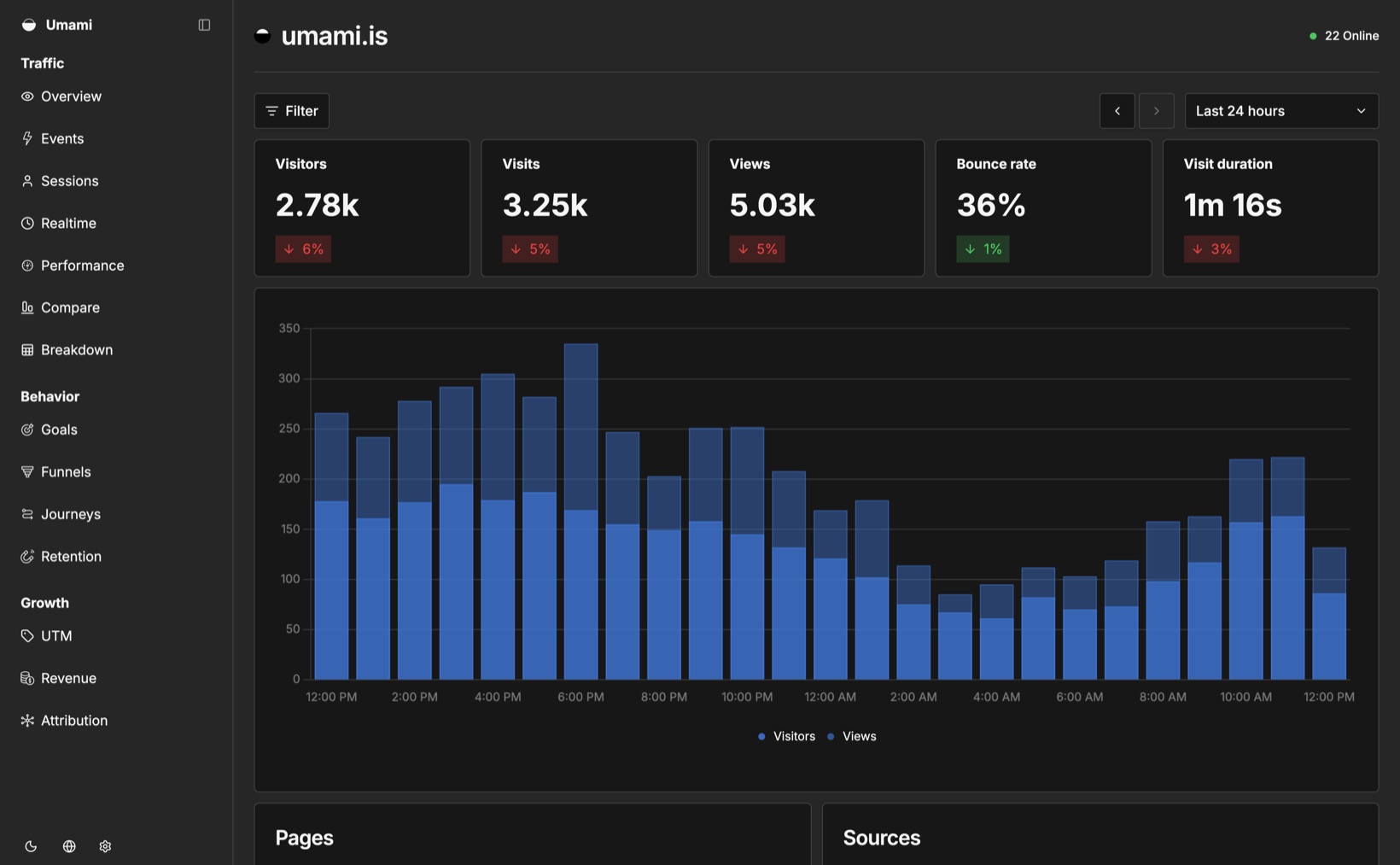
If your site is a blog, a portfolio, a marketing site for something you sell elsewhere, or anything where the visit is the outcome, you want a traffic tool. Plausible, Fathom, Umami, Simple Analytics and Cloudflare Web Analytics all do that job well and the choice between them is mostly taste and budget.
If your site is the front door of a subscription product, the visit is not the outcome. The outcome is a customer paying you every month for a year, and the useful question is which traffic produced those. That needs a tool that can see your billing, and it cuts the field from twenty-two to about four.
Answering this first saves you evaluating eighteen tools that were never going to answer your question.
Question 2: is free a requirement or a preference?
There is a real difference between the tools with free tiers and the ones with trials, and the category quietly hides it. Fathom, Plausible, DataFast, Seline and Sleek all run trials, not free plans. Their free-sounding pricing pages are 7, 14 or 30 days.
Genuinely free options, checked August 2026:
| Tool | Free tier |
|---|---|
| Google Analytics 4 | Up to 10M events a month |
| Cloudflare Web Analytics | Unlimited, if your site is on Cloudflare |
| Umami Cloud | 100k events a month |
| PostHog | 1M events a month |
| Simple Analytics | Unlimited pageviews, 30 days of history |
| Ripples | Free until the project reaches $1K MRR |
| Self-hosted Umami, Matomo, Plausible, Rybbit | Free at any volume, plus your server |
If you are pre-revenue, this table is most of your decision. A 14-day trial is not long enough to learn anything about a subscription product, because the thing you are trying to measure takes months to happen.
Question 3: does anyone need to run it?
Self-hosting is free in licence terms and not free in time. Umami on a box you already pay for is close to trivial. Matomo at any real volume is a database you now own, with backups you now own, and an upgrade path you now own.
Ask honestly whether you will do that maintenance in month eight, when the product is busy and the analytics server needs a Postgres upgrade. Plenty of people will and should. Plenty of people install it, neglect it, and end up with a broken analytics server and no data, which is worse than the hosted tool they were avoiding.
If the answer is “I want the code to be open but I do not want to run it”, Plausible and Umami both sell hosted versions of their own open source software, and that is a reasonable middle.
Question 4: what does the price meter?
Every tool in this category charges for volume, and what they count varies more than the headline price:
| Metered on | Tools | Fails when |
|---|---|---|
| Pageviews | Plausible, Fathom, Simple Analytics | A post does well and your bill jumps |
| Events | Umami, PostHog, DataFast | You instrument properly and get punished for it |
| Revenue | Ripples | You are big but not yet profitable |
The pageview and event models both have the same failure mode for small products: a good week on Hacker News is a cost event rather than a good week. If you are pre-revenue, a tool metered on traffic can send you a bill for attention that has not made you any money yet.
That is our own bias showing, and the counter-argument is fair: revenue-based pricing means the tool gets more expensive precisely when you are succeeding, and some people would rather pay for volume they control.
Question 5: are you going to actually look at it?
A dashboard nobody opens is worth nothing at any price. The tools in this category differ enormously in how much attention they need.
Fathom is one screen and needs none. Plausible is close behind. PostHog is a platform that rewards investment and punishes neglect: unconfigured, it will show you a lot of autocaptured events that mean nothing.
Be realistic about which of those you are. The most common failure in this whole category is a founder installing something powerful, never configuring it, and concluding after four months that analytics is useless.
What you actually lose leaving GA4
Worth knowing before you switch, because two of these are hard to replace.
Google Ads conversion bidding. The native GA4 link feeds conversions back to Smart Bidding. If you are spending real money on Google Ads and letting the algorithm optimise, that link is doing work. Most alternatives, including ours, read your spend without sending conversions back.
BigQuery export. Free, complete, every event. If you want to write arbitrary SQL over raw data, GA4 gives you that and almost nothing else here does.
Your history. No tool imports GA4 data. Whatever you switch to starts from zero on the day you install it, which is an argument for installing the replacement now and switching later rather than the reverse.
What you probably will not miss: the interface, the four-hour data delay, the thresholding that hides small numbers, the 14-month retention limit on user-level data, and having to build a report to answer a question you could have asked in a sentence.
How to switch without regretting it
Run both for a month. Every tool here is a script tag, they do not conflict, and the overlap month is how you learn that your new tool reports 20% fewer visitors because it does not count bots the same way. Better to find that out with both numbers in front of you.
Export what you can from GA4 first. Reports as CSV at minimum, or set up the BigQuery export before you leave if you might want the raw data later. Once the property is gone, it is gone.
Do not switch during a launch. Pick a boring fortnight.
The short version
Traffic tool or revenue tool is the question. Everything else is a preference between good options, and if you are still stuck after answering the five questions, pick the cheapest one with a free tier and move on. It is analytics. You can change it in an afternoon.
Where to go next
- Nine Google Analytics alternatives, ranked with real prices
- Plausible vs Fathom vs Simple Analytics, if question 1 put you in the traffic-tool camp
- Ripples vs Google Analytics, if it put you in the other one
- What Ripples deliberately does not do
Prices checked August 2026.